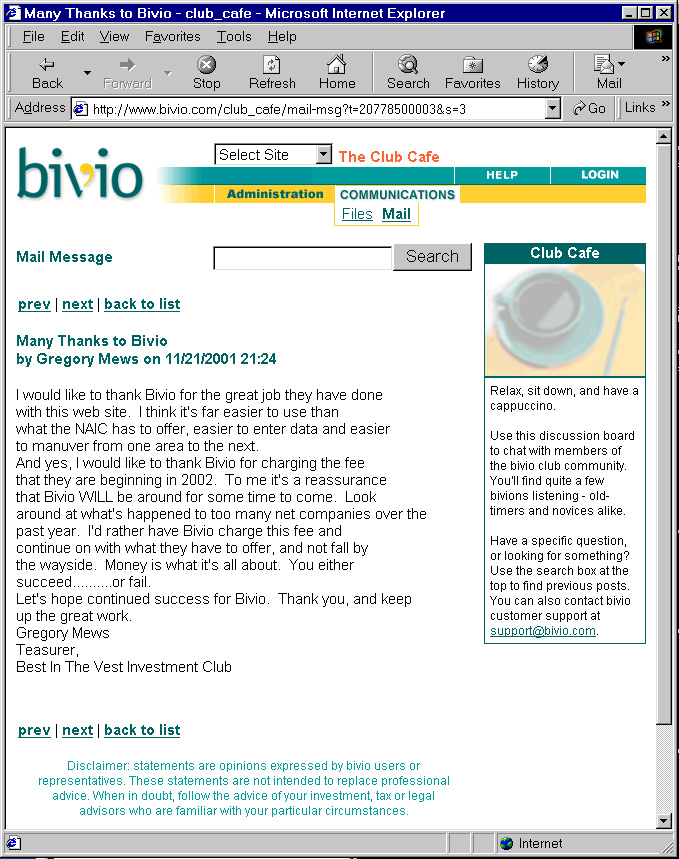
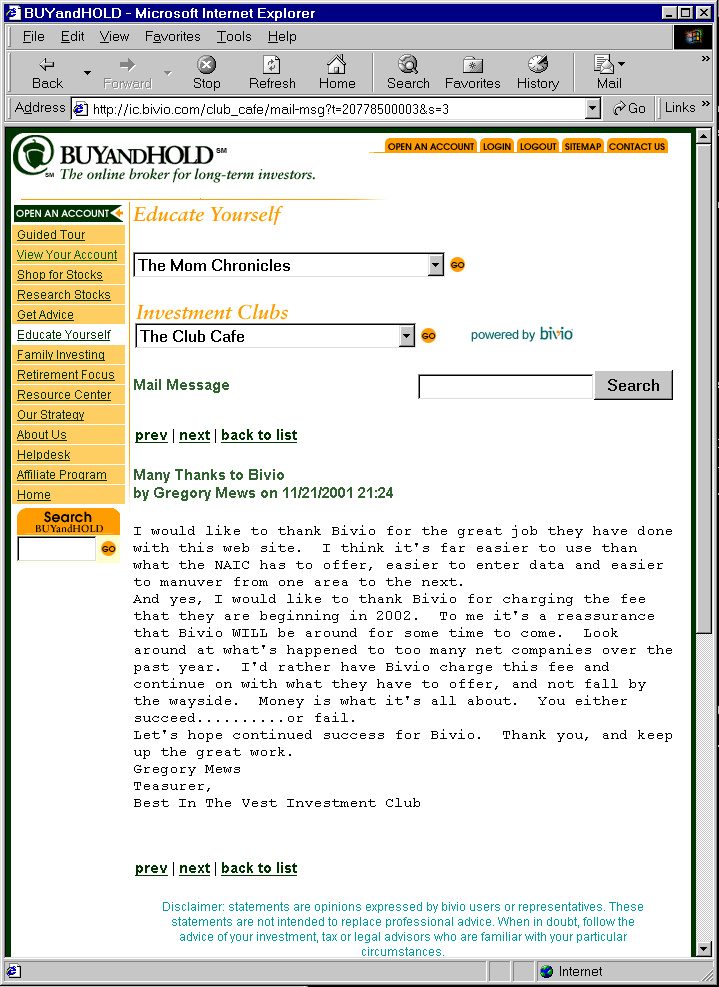
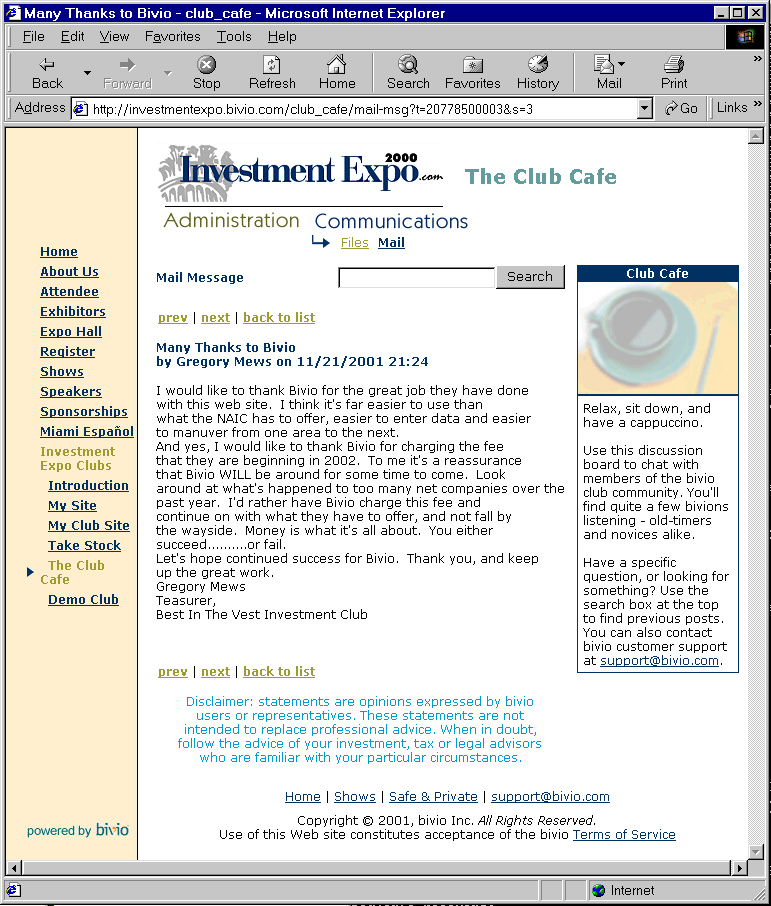
q{This slide can look like this,
If(['->is_production'],
Join(['or a simple slide [not shown]']),
Link(Join(['or this']),
vs_facade_href(
[sub {
return shift->get('Bivio::UI::Facade')
=~ /SlideShow/ ? 'Artisans' : 'SlideShow';
}],
['uri'],
)
),
);},
Facades allow easy co-branding: [ View changes easy (bullets) Dynamic look and feel trivial (slide_notes) TaskId list allows for easy site audits
Notes:If(['->is_production'], Join([
"[The first example only works when in the SlideShow facade.
We don't render the link back on the bivio Software website.]"]));
You can control bOP's look and feel in any number of ways. Facades
allow you to change the flavor of a web page (fonts, colors, text,
icons). That's how the first two examples work.
In the next example, we can change bullet_list_type from "ul" to "ol"
and it changes for this slide only. We could alternatively change
it for the entire application. It could be a default of the Facade.
Finally, these notes can be turned on and off in the SlideShow facade.
It's not something.
|